TikTok Repost Viewer
Type a @username to see the videos a public account has reposted, play them here and save any of them without watermark: no TikTok account, no app.
100% anonymous
The account is never told that someone looked at its reposts. No view, no follow and no "seen by" is tied to you, because nothing goes through a TikTok account.
No login required
Type a @username or paste a profile link. No TikTok account, no app, no extension: the reposts load in your browser, on any device.
Free repost downloader
Unlimited lookups, the videos in their original quality, and two buttons to save any repost without watermark or as MP3.
See someone's TikTok reposts anonymously
Tiklo's TikTok repost viewer shows the "Reposts" tab of any public account on one page. Type a @username or paste a profile link and the videos that account has reshared appear here, newest first, with the original creator under each one. Tap a video to play it in your browser, or save it as a clean MP4 without watermark or as MP3. No TikTok account, no app, and the account never knows you looked.
Reposts are the fastest way to see what someone actually likes on TikTok: a creator's taste, a brand's community picks, what a friend has been sharing. TikTok buries them in a side tab that disappears from feeds within hours; here they stay in one list you can scroll, play and keep.
How to see someone's reposts on TikTok
-
Find the account
Note the @username of the profile whose reposts you want to see, on the app or on tiktok.com. A profile link (tiktok.com/@name) works too. The account has to be public.
-
Paste it above
Type the @username or the link in the box at the top of this page and tap "View reposts". The reposted videos load in a few seconds, thirty at a time, with a button to load more.
-
Watch, or save
Tap a video to play it here, or use the buttons under it: "No watermark" saves the original MP4 without the TikTok logo, "MP3" keeps only the sound. Photo reposts open in a slideshow you can save picture by picture.
Why use a TikTok repost viewer?
Reposts say more about an account than its own videos, and TikTok makes them hard to browse. A repost viewer puts them in one list.
Creators and brands
See which videos a creator reshares before a collaboration, or what a brand reposts from its community, to understand its taste and its trends without following it.
Friends and family
Reposts are what someone found worth sharing. Check a friend's or a teen's reposts without creating an account or sending a follow request.
Saving a video before it goes
A repost disappears the moment the account removes it. Save the video while it is listed, without watermark, and keep it on your phone or computer.
What the repost viewer shows
It works on every public account and shows what TikTok itself makes public:
- Every video the account has reposted, newest first, thirty at a time with a "Load more" button.
- The original creator of each repost, with its view count, playable right in the page.
- Photo reposts as a slideshow you can save picture by picture.
- Downloads: each video as a clean MP4 without watermark, or just its sound as MP3, through Tiklo's downloader.
- The account's name, verified badge and follower count when TikTok makes them public.
Limitations
- Private accounts: their reposts are only visible to approved followers, here as anywhere else. A site promising otherwise is lying.
- Removed reposts: once an account un-reposts a video it leaves the list, on TikTok and here. Save what you want to keep while it is there.
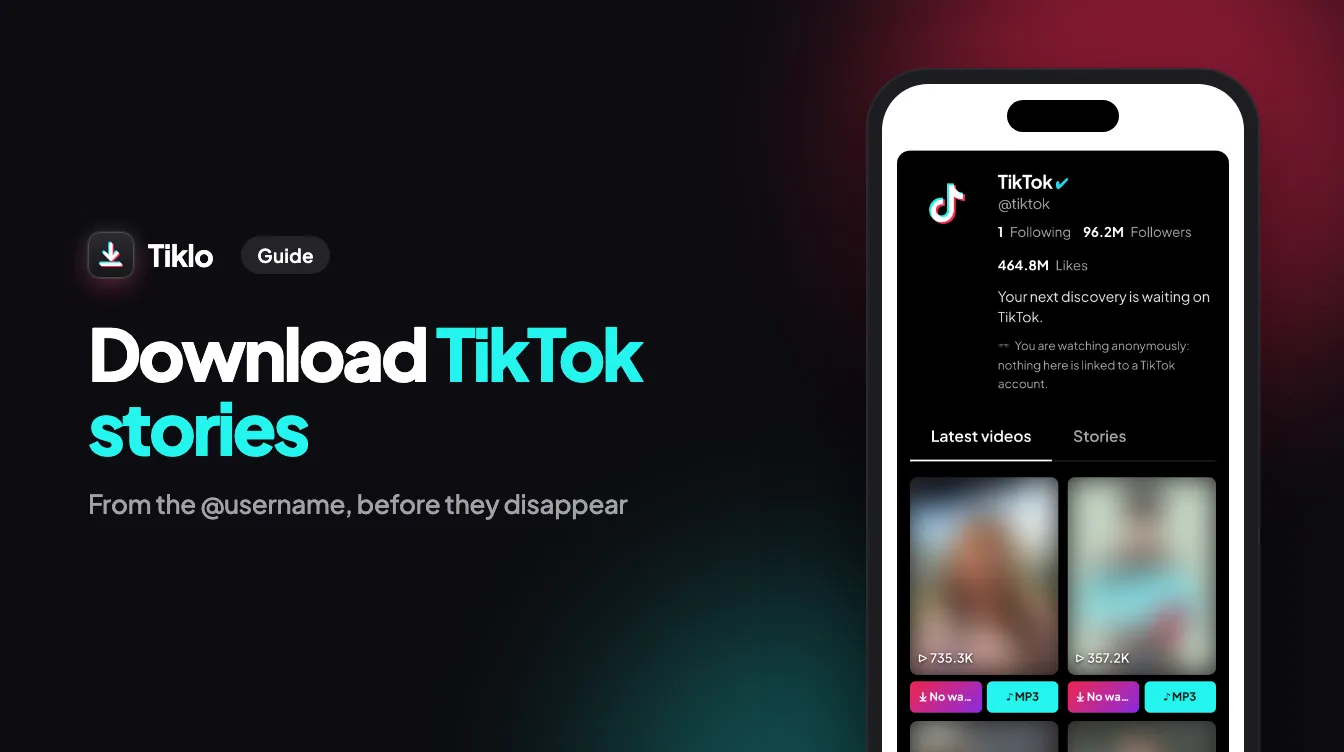
- The account's own videos are not reposts: for those, use Tiklo's TikTok Viewer, and for its stories the Story Viewer.
On iPhone, Android and computer
The TikTok app hides reposts in a side tab and the website asks you to log in after a few videos. Tiklo runs in any browser, on Windows, Mac, iPhone and Android, with nothing to install, so an account's reposts are one username away.
Content rights and privacy
Every reposted video belongs to its original creator, named under each one. Tiklo does not host, copy or store any media: it reads TikTok's public data when you ask and plays the files from TikTok's own servers. The username you look up is never stored. Keep what you save for personal use, and credit the creator if you share it.
Questions about the TikTok repost viewer
What is a repost on TikTok?
A repost is a video someone shares with their followers without creating a new post: it appears in their followers' feeds and in the "Reposts" tab of their profile, still credited to the original creator. The repost viewer gathers that tab in one list.
How can I see someone's reposts on TikTok?
In the app, open the profile and tap the repost icon (two arrows) next to the videos tab; the tab is not always obvious. Here, type the @username above: the reposted videos appear in one page, playable, with their original creator.
Is the repost viewer anonymous?
Yes. Nothing on this page goes through a TikTok account, so the account owner gets no view, no notification and no "seen by". Tiklo never stores the usernames you look up either.
Can I see the reposts of a private account?
No. A private account only shows its reposts to approved followers, in the app and everywhere else. Any site claiming to show them is a scam.
Why does an account show no reposts?
Either it has not reposted anything, it removed its reposts, or the username is misspelled. Check the spelling on the profile, or use Tiklo's TikTok Username Finder when you only know the name.
Can I download a reposted video without watermark?
Yes. "No watermark" under a video saves the original creator's MP4 without the TikTok logo, in its original quality, through Tiklo's downloader, free and without login. "MP3" saves only the sound.
Does the download come from the person who reposted?
No, the file is the original video, published by the creator named under each repost. The reposter only shared it, so credit the original creator if you publish it anywhere.
How many reposts does the viewer show?
Thirty at a time, newest first, with a "Load more" button for the rest of the list, as far back as TikTok makes it public.
Does it work on iPhone, Android and PC?
Yes. It runs in any browser on iPhone, Android, Windows and Mac, with nothing to install. On a phone the videos save to your gallery; on a computer to your downloads folder.
Is it legal to watch and save TikTok reposts?
Watching what an account has made public is legal, and keeping a copy for yourself is fine. Reposting someone else's video as your own is not: respect the creator's rights and ask before publishing.