Download TikTok Stories Before They DisappearRead article
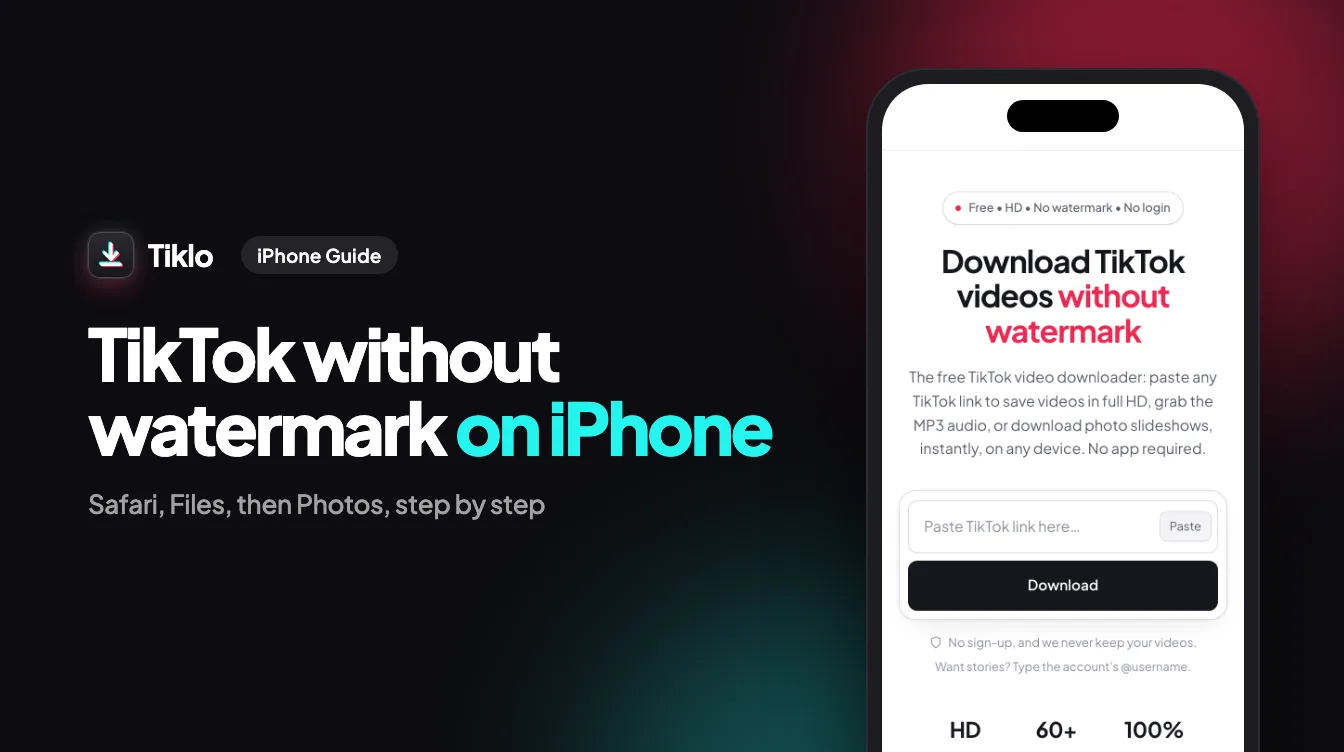
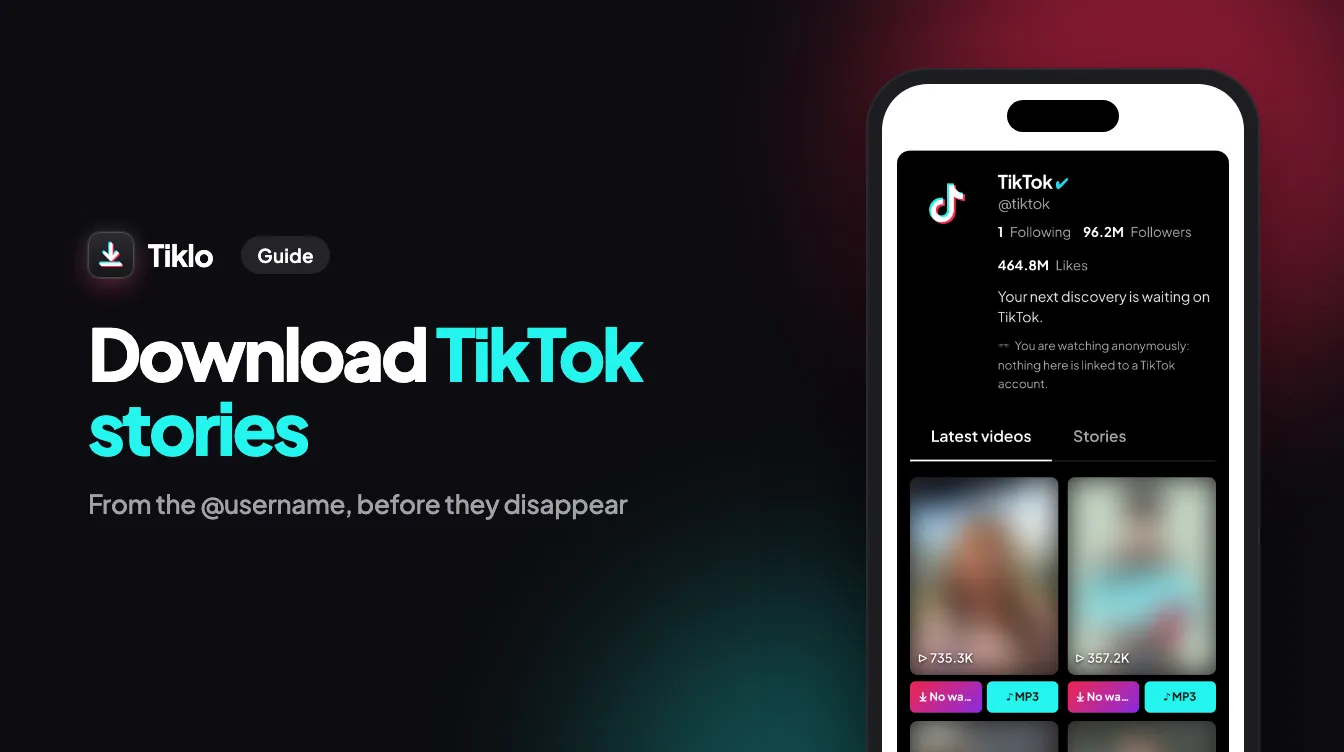
Type an @username to see that account's active stories, then save each one as a video or an MP3, free and without logging in.
No sign-up, and we never keep your videos.
Want stories? Type the account's @username.
A TikTok story lives 24 hours, then it is gone for everyone. Tiklo lists every story an account posted today so you can keep a copy on your device before the timer runs out.
There is no story link to hunt for. Type the account's handle or paste its profile page, and each active story gets its own download button, videos and photos alike.
Lookups run on TikTok's public data rather than through any TikTok account, so no view is logged against you and the creator's viewer list stays untouched. Tiklo keeps nothing you download.
TikTok stories disappear after 24 hours, and TikTok has no button to save someone else's story. Tiklo's story downloader fills that gap: type the account's @username in the box above, or paste its profile link, and press Download. Every story the account posted in the last 24 hours appears with its own download buttons. No app, no extension and no TikTok account needed.
Each video story saves as an MP4 file, and its sound as a separate MP3, which is handy when a story uses a song or a voice-over you want to keep. Photo stories save as full-size images. On Android, files land in your Downloads folder and the gallery; on iPhone they go to the Files app, where Share → Save Video moves a clip into Photos.
You don't need the story's link. Stories are looked up by account, so the @username is enough, and a profile link copied from TikTok works too. If you do have the link of a story, paste it like any other TikTok link and it downloads the same way. On Android, once Tiklo is installed, you can share a profile from TikTok straight to Tiklo.
Only public accounts can be viewed: stories from private accounts stay private. Once a story is more than 24 hours old it is gone from TikTok and can no longer be downloaded, so save the ones you want to keep on the day. Keep downloaded stories for personal use, and ask the creator before reposting them anywhere.
Open the account on TikTok and copy its @username, or its profile link (tiktok.com/@name).
Paste it into the box at the top of this page and press Download. No login, nothing to install.
Every active story is listed: press MP4 to save the video, MP3 for its sound, or the image button for a photo story.
Screen recording a story captures your phone's interface at screen resolution, takes as long as the story and still puts your view on the creator's list. A story downloader saves the original file instead, clean and without a watermark.
A friend posts a story from a birthday, a trip or a match, and tomorrow it is gone. Save the MP4 or the photo while it is live and the moment stays on your phone.
Brands put promo codes, launch dates and event details in stories that expire before you need them. Download the story the day it appears, and the offer or the announcement is still readable next week.
Some creators share daily routines, tips or backstage moments only in stories, where nothing stays. Check the account once a day and save the ones worth keeping, so the series does not disappear piece by piece.
Enter a public @username and Tiklo lists everything that account has in its story bubble right now, each item with its own file to download:
Download a story the same day you see it: TikTok removes it 24 hours after posting, so one noticed in the evening may be gone by morning. Video stories come as an MP4 you can replay or edit; photo stories as an image file. On a computer, where TikTok's website keeps stories hidden, Tiklo is the simplest way to get them: type the @username in your browser on Windows or Mac and the files land in your downloads folder.
A story stays the property of whoever posted it, downloaded or not. Tiklo keeps neither a copy of the files nor a record of the @username you looked up: the request goes to TikTok's public data when you press Download, and the file is passed to your device without being kept. Because no TikTok account is involved the creator receives no notification, but that is not a license to repost. Keep stories for yourself and ask before sharing someone else's.