TikTok to MP4
Download any TikTok as a clean MP4 video file in full HD, with no watermark.
No sign-up, and we never keep your videos.
Want stories? Type the account's @username.
No watermark, no overlay
The MP4 you save has no TikTok logo and no moving username. The frame is clean edge to edge, so nothing covers the picture when you edit it or play it on a big screen.
Plays on every device
TikTok serves video as H.264 with AAC sound in a standard MP4 container, and Tiklo passes that file through unchanged, so it opens in any player, editor or phone gallery without converting.
HD when TikTok has it
When the creator uploaded in HD, a second button gives you that 1080p source file. Otherwise you get the sharpest MP4 TikTok holds for that video, exactly as it streams in the app.
TikTok MP4 download, free and without watermark
Tiklo saves any TikTok as a standard MP4 video that plays everywhere — phones, computers, editors, and TVs. Paste a link, press Download, and choose the no-watermark MP4 or the full-HD version. It is a TikTok MP4 downloader and a converter in one: the video is not re-encoded, so the TikTok MP4 you save is the original stream, just without the overlay.
An MP4 file is the most compatible format for re-editing, archiving, or sharing a TikTok outside the app. Tiklo delivers it clean, without the username overlay or moving logo, free and with no software to install.
You get the highest resolution the original offers, often up to 1080p HD, pulled straight from the source rather than re-recorded — so there is no quality loss and no watermark burned into the frame. Choose the no-watermark MP4 when you plan to repost or edit, and the HD MP4 when you simply want the sharpest copy to keep.
It works as an online converter on any device: copy the link in the TikTok app, paste it here on your iPhone, Android, Mac, or PC, and the MP4 downloads in seconds. There is nothing to install and no limit on how many videos you save.
How to convert a TikTok to MP4
-
Copy the link
In the TikTok app, tap Share → Copy link on the video you want as an MP4.
-
Paste it above
Paste the link into the box at the top of this page and press Download.
-
Choose your MP4
Pick the no-watermark MP4 for reposting or editing, or the HD MP4 for the sharpest copy, and save it.
Why download TikTok videos as MP4?
TikTok's own Save video button stamps a logo and username on the file and only works inside the app. A TikTok MP4 downloader gives you the clean file on any device, for needs like these.
Repost to Reels or Shorts
Instagram and YouTube give less reach to videos that still carry another app's logo. Save the clean MP4, upload it to Reels, Shorts or a Facebook page as a native video, and credit the creator in the caption.
Edit in CapCut or Premiere
Drop the file straight onto a timeline in CapCut, Premiere Pro, DaVinci Resolve or iMovie and add captions or a voiceover. Nothing is re-encoded on the way, so your edit starts from the same quality as the TikTok itself.
Watch offline, anywhere
Save a recipe, a workout or a tutorial as MP4 and it sits in your gallery or Downloads folder, ready for a flight, the gym or a weak signal. It plays even if TikTok is not installed.
What you can download from a TikTok link
Paste one link and the page lists every file available for that post, each with its own download button:
- The MP4 without watermark: the full video with its sound, no logo and no username overlay, in TikTok's standard resolution.
- The HD MP4, up to 1080p, whenever TikTok kept an HD source for the video; the button only appears when it exists.
- The sound as MP3, the full track as it plays under the video, for a ringtone, a podcast clip or your own edit.
- The cover image, the still TikTok shows before the video plays, in full size.
- For photo posts, every image of the slideshow at its original size plus the background sound as MP3, since there is no MP4 to save.
Limitations
- Private videos and private accounts: only approved followers can see them on TikTok, and no downloader can reach them, whatever its homepage promises.
- Live streams: a LIVE has no file to download while it runs. Once the creator posts a replay as a normal video, that link works.
- One video per link, no bulk download of a whole account. A video posted in low quality stays low quality: Tiklo does not upscale or sharpen anything.
Where the MP4 lands on iPhone, Android and computer
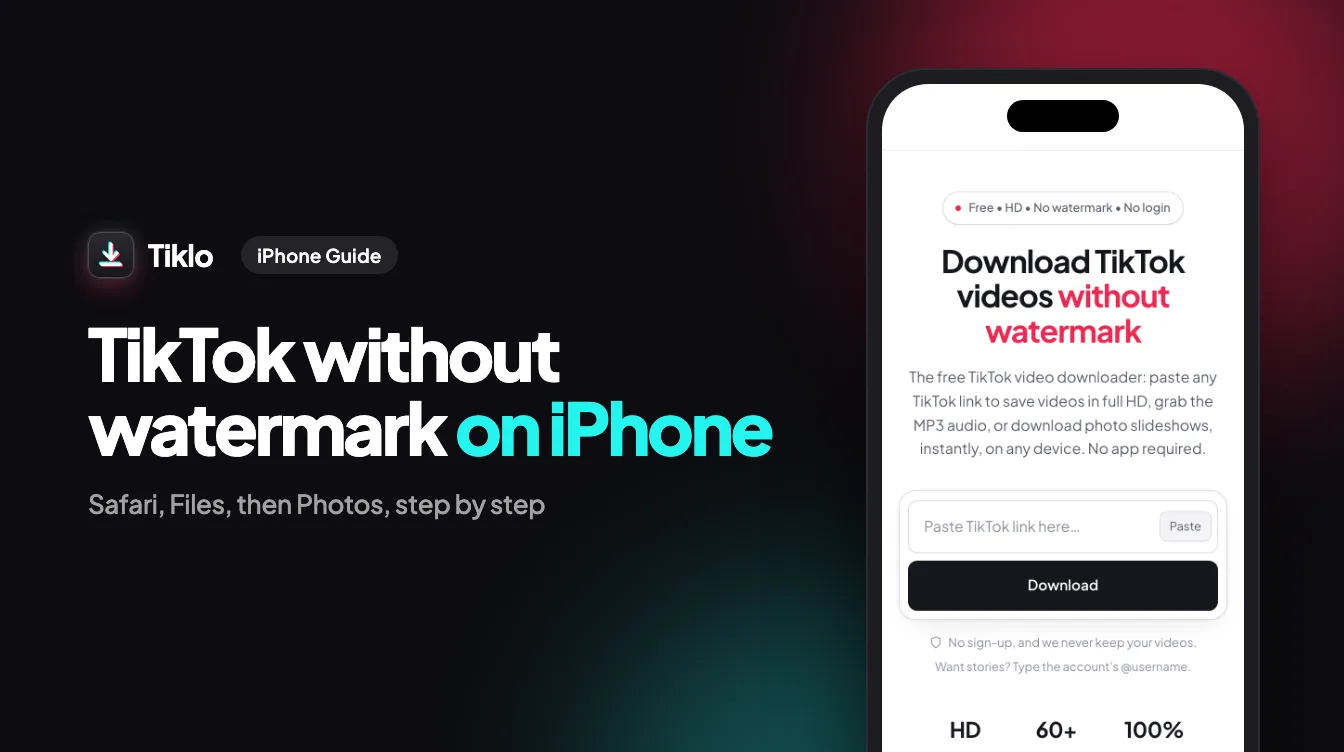
Every download is a real file save from your browser, like any attachment, not a video that opens and plays in a tab. On iPhone, Safari puts the MP4 in the Files app under Downloads; open it, tap Share, then Save Video to move it into Photos. On Android, Chrome saves it to the Download folder and the gallery picks it up on its own. On Windows and Mac it lands in Downloads, ready to drag into an editor.
Your privacy and the creator's rights
Tiklo stores no media: when you press a button, the file is fetched from TikTok's servers and passed straight through to your device, and nothing stays on Tiklo's side once the download ends. The videos themselves belong to their creators. Saving your own posts as clean originals, or keeping a copy for yourself, is fine; reposting someone else's work as your own is not. Ask first, and credit the account when you share.
Frequently asked questions
How do I download a TikTok as MP4?
Paste the TikTok link into Tiklo, press Download, and choose the MP4 option. You can pick the no-watermark or full-HD MP4.
Is the MP4 download without watermark?
Yes. Tiklo's MP4 download gives you a clean video with no TikTok logo or username overlay.
What's the difference between MP4 and MP3?
MP4 saves the full video with picture and sound; MP3 saves only the audio. Tiklo offers both from any TikTok link.
Can I download the TikTok MP4 in HD or 1080p?
Yes. Tiklo offers the highest resolution the source provides, often up to 1080p HD, so you get the sharpest MP4 available for that video.
Does the MP4 converter work on iPhone and Android?
Yes. It runs in your mobile browser, so you can save a TikTok as MP4 on iPhone, Android, Mac, or PC without any app.
Is it really free to convert TikTok to MP4?
Yes. Downloading TikTok videos as MP4 with Tiklo is free, with no sign-up and no daily limit.